.png)

See Talonic in action
Schedule a 30-minute live product demo with expert Q&A
Schedule a 30-minute live product demo with expert Q&A
A German utilities provider had to load Microsoft Dynamics with structured data from thousands of unstructured contracts. Existing OCR and AI tools fell short. Talonic delivered a scalable, auditable, schema-driven solution that integrates directly with Dynamics.
Earlier tools couldn’t manage the client’s large, varied contract library. With tens of thousands of old documents, they were stuck between costly manual extraction and abandoning digitization.
Contracts are in every possible file format,
Poor quality: scans of scans, broken text, handritten sections,
OCR tools are unable to provide reliable results.
Legal and commercial terms were described in different ways
OCR and rule-based NLP failed to identify clauses reliably
OCR, RPA, and even large-language-model-based chatbots could not consistently extract or validate data fields
Processing just the active contracts (~5,000) would have taken over 10,000 hours of expert review
Manual workload would result in making the full digitization financially unviable

This wasn’t just an operational pain point—it was a strategic blocker.
The company’s digitalization roadmap depended on full CRM visibility.
Regulatory scrutiny demanded traceability of pricing terms, renewal periods, and compliance clauses.
Fragmented contract data meant revenue leakage, missed obligations, and internal inefficiencies across procurement, legal, and commercial teams.
The goal was clear: put every relevant contract field—past and future—into Microsoft Dynamics. But nothing in the market could do it.
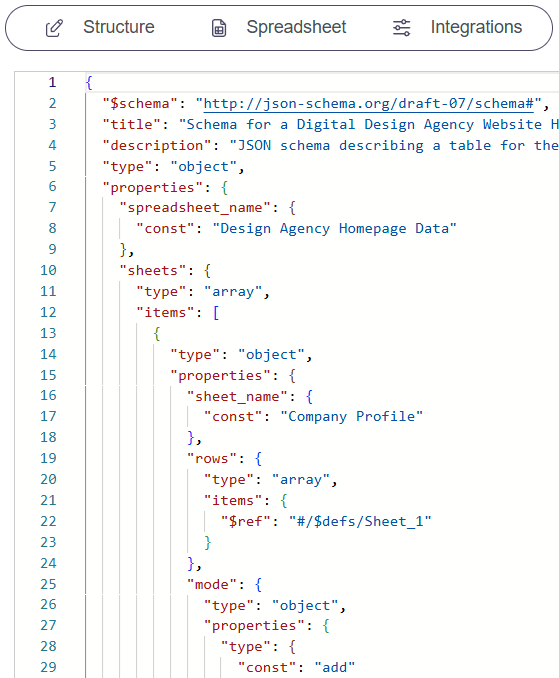
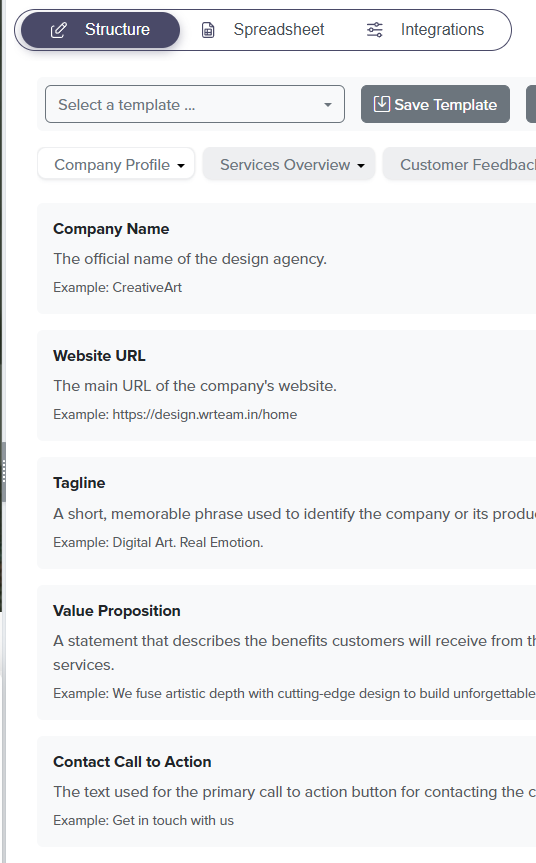
We didn’t start with templates, keywords, or generic AI—we started with the company’s data model. If the CRM needs structured, validated fields, the AI must follow that schema. So we defined what to extract, why it mattered, and how to validate it across wildly different contract formats.
%20(1).png)
.png)

In collaboration with the Head of Contract Management and their team, we created a 150+ field data schema—covering durations, pricing, SLAs, obligations, rights, contract status, and more. Each field had a clear name, definition, and example value, aligned to Dynamics CRM.
Our AI pipeline began with layout-preserving OCR to clean up poor scans. Then, our AI Structuring Engine processed the document schema-aware: extracting values based on meaning, not position or formatting. It could interpret clause logic, infer contract status, and consolidate cross-clause data (e.g., obligations).
We ran multi-shot validation (2- and 3-shot runs) to identify confidence levels for each field. Only low-confidence fields were flagged. Reviewers used a GUI with color-coded indicators (green to red) to approve batches. No manual rework—just targeted validation.